Image to Text Converter
Paste a photo, scan or screenshot and get the text out as editable plain text - recognized across 23 languages, layout aware.
Heavy pages (manga) can take around a minute — speedup in progress.
See it in action
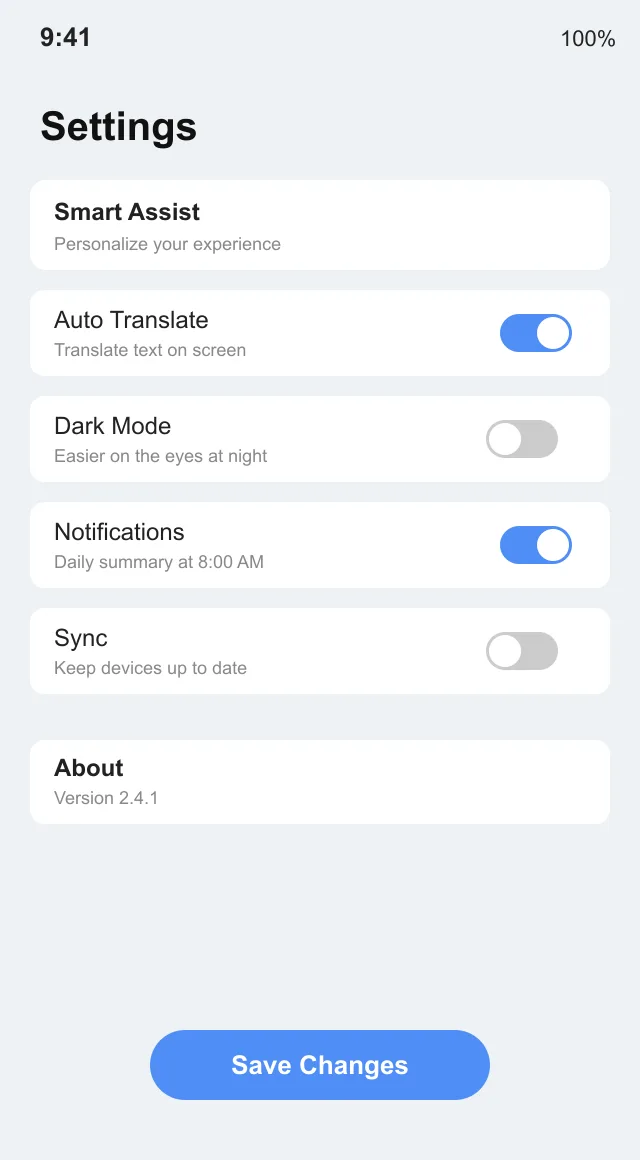
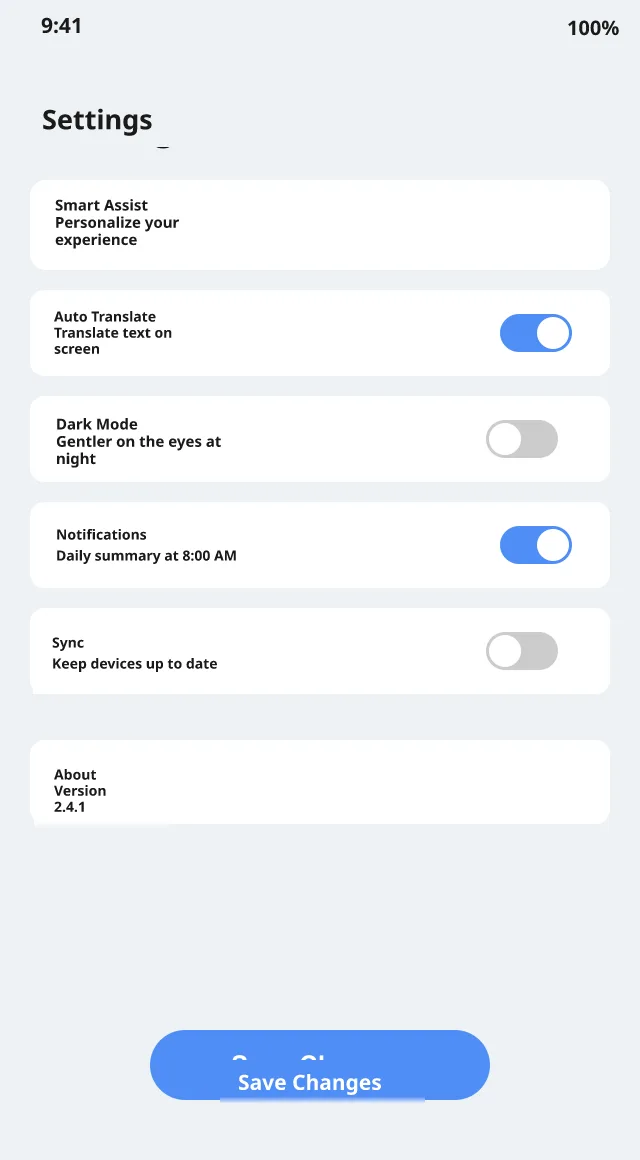
Example assets are placeholders — being replaced before launch.
Three steps, one clean result
Upload your image
Drag & drop, browse or paste (Ctrl+V) any image with text in it.
Pick a language
Choose from 23 languages — the source language is detected automatically.
Download the result
Get a PNG with text translated in place — same layout, same style.
Why Image to Text Converter
23 recognition languages
CJK, Cyrillic, Thai, Arabic and European scripts recognized out of the box.
Layout aware
Detects text as regions - paragraphs, bubbles, captions - not a wall of characters.
Copy or download
Grab the extracted text as a .txt file or copy it straight to your clipboard.
Free daily quota
Every account converts 2 images a day free - paid plans include unlimited use.
Questions, answered
How long does a translation take?+
Most images finish in 15–60 seconds. Dense manga pages can take a little longer — we're shipping speedups continuously.
Which languages are supported?+
23 languages: English, Chinese, Japanese, Korean, Russian, 14 European languages (Spanish, French, German, Portuguese, Italian, Dutch, Polish, Czech, Swedish and more), plus Vietnamese, Thai and Arabic.
What file formats and sizes are supported?+
JPG, PNG and WebP, up to 10MB per image. You can drag & drop, browse, or paste (Ctrl+V) directly.
Explore more tools
Image Translator
Translate text in any image online — layouts, fonts and styling preserved.
Manga Translator
Translate manga & comics — speech bubbles, vertical text and SFX, re-lettered in place.
OCR
Extract text from images with multi-language recognition and layout awareness.
AI Image Translator
AI-powered image translation — detect, erase and re-typeset text in any image automatically.
Photo Translator
Translate text in photos online — signs, menus, documents, screenshots and more.
Anime Translator
Translate anime screenshots, panels and merchandise images with layout preserved.
Comic Translator
Translate comics and webtoons — speech balloons, captions and narration, re-lettered in place.
Text Remover
Remove text from images while keeping the background clean.