Image Translator
Upload any image with text and get it back translated in place: same layout, same style, new language.
Heavy pages (manga) can take 1–3 minutes on the free tier — speedup in progress.
See it in action
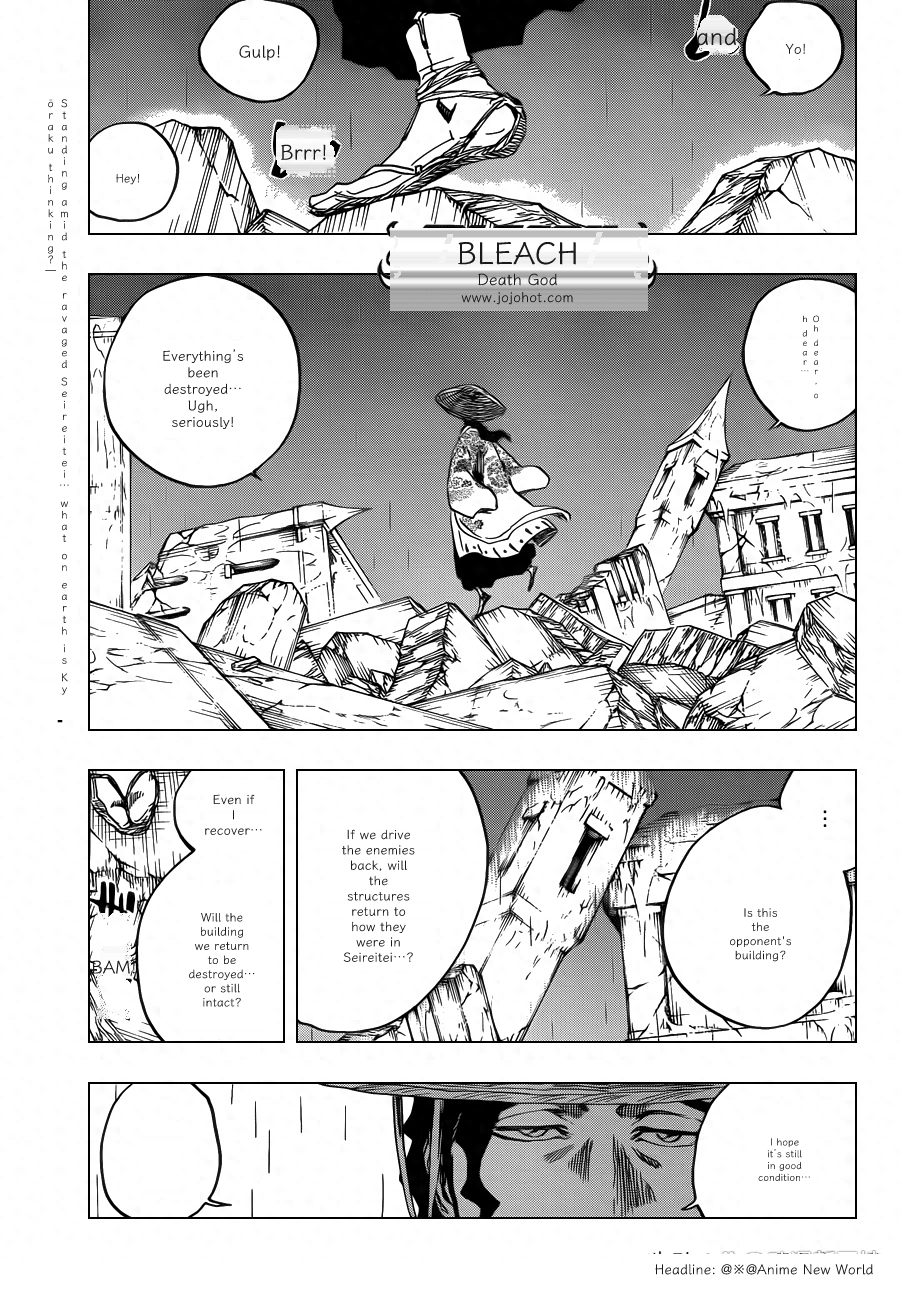
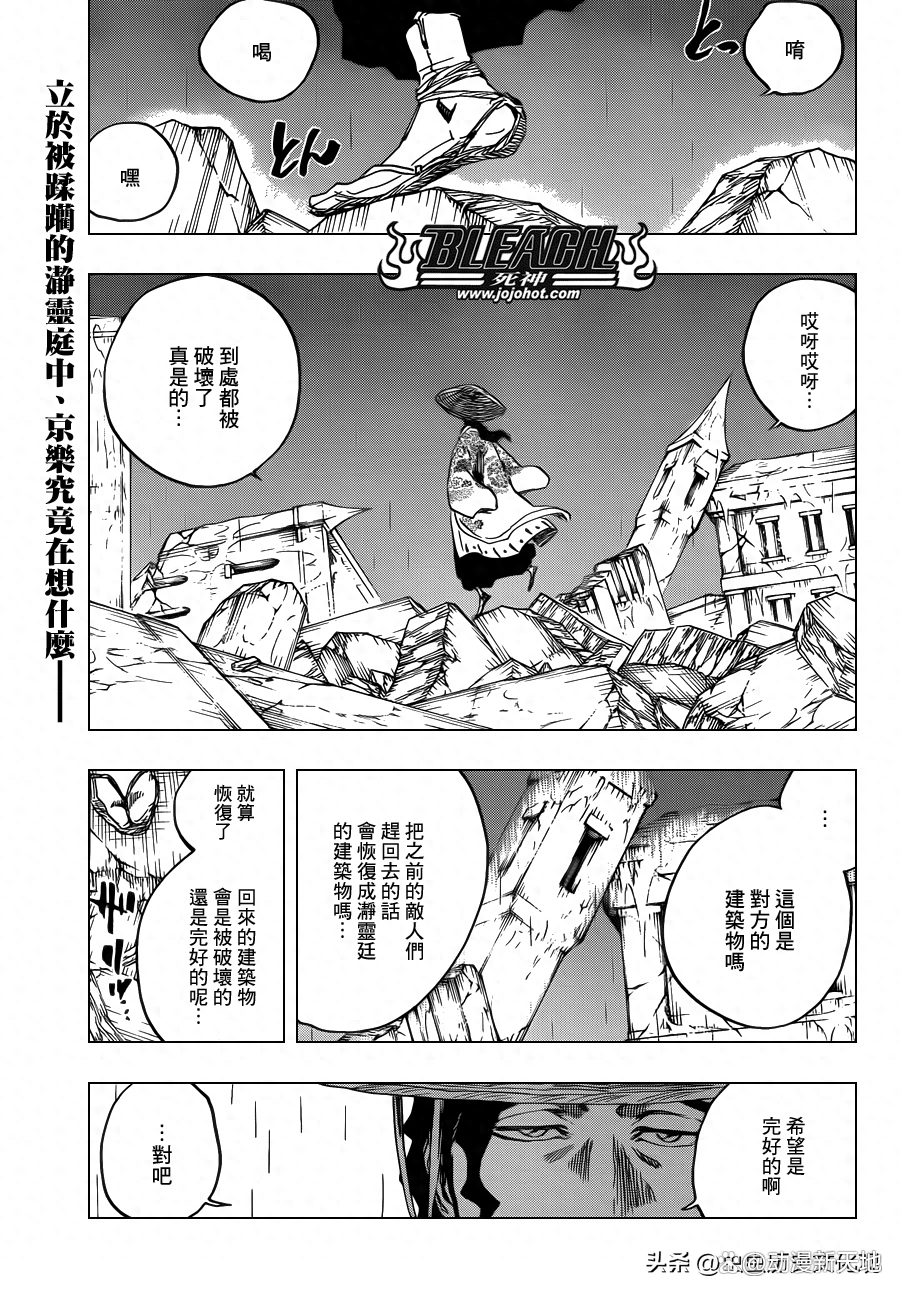
Example assets are placeholders — being replaced before launch.
Three steps, one clean result
Upload your image
Drag & drop, browse or paste (Ctrl+V) any image with text in it.
Pick a language
Choose from 8 launch languages — the source language is detected automatically.
Download the result
Get a PNG with text translated in place — same layout, same style.
Why Image Translator
Any image, any text
Screenshots, product photos, posters, documents — if it has text, it translates.
Layout preserved
Text is erased from the background and re-typeset in place, sized to fit the original space.
8 languages at launch
English, 中文, 日本語, 한국어, Español, Français, Deutsch, Русский — more on the way.
Instant PNG download
Clean, ready-to-use results — no watermark, no signup to try.
Questions, answered
How long does a translation take?+
Most images finish in under a minute. Dense manga pages can take 1–3 minutes on the free tier — we're shipping speedups continuously.
Which languages are supported?+
English, Simplified Chinese, Japanese, Korean, Spanish, French, German and Russian at launch, with more on the way.
What file formats and sizes are supported?+
JPG, PNG and WebP, up to 10MB per image. You can drag & drop, browse, or paste (Ctrl+V) directly.
Is it free to try?+
Yes — try it right on the homepage, no signup needed. Free accounts get a daily page quota when billing launches.
How does it keep the original layout?+
A dedicated detector finds every text region, the original text is erased from the background, and the translation is re-typeset in place with fonts sized to fit.
Can I use translated images commercially?+
You can download and use your results, but you must own the rights to the source image. Translating copyrighted manga for public distribution requires permission from the rights holder.